
Local-first security
Your vault is encrypted on your device before it is stored or synced.
A local-first password manager that encrypts your vault locally and syncs through providers you control.
Your vault is protected before data is stored or synced.
Dropbox, Google Drive, ClavisPass Hub, or local vault files.
Passwords, 2FA, cards, documents, and notes stay neatly organized.
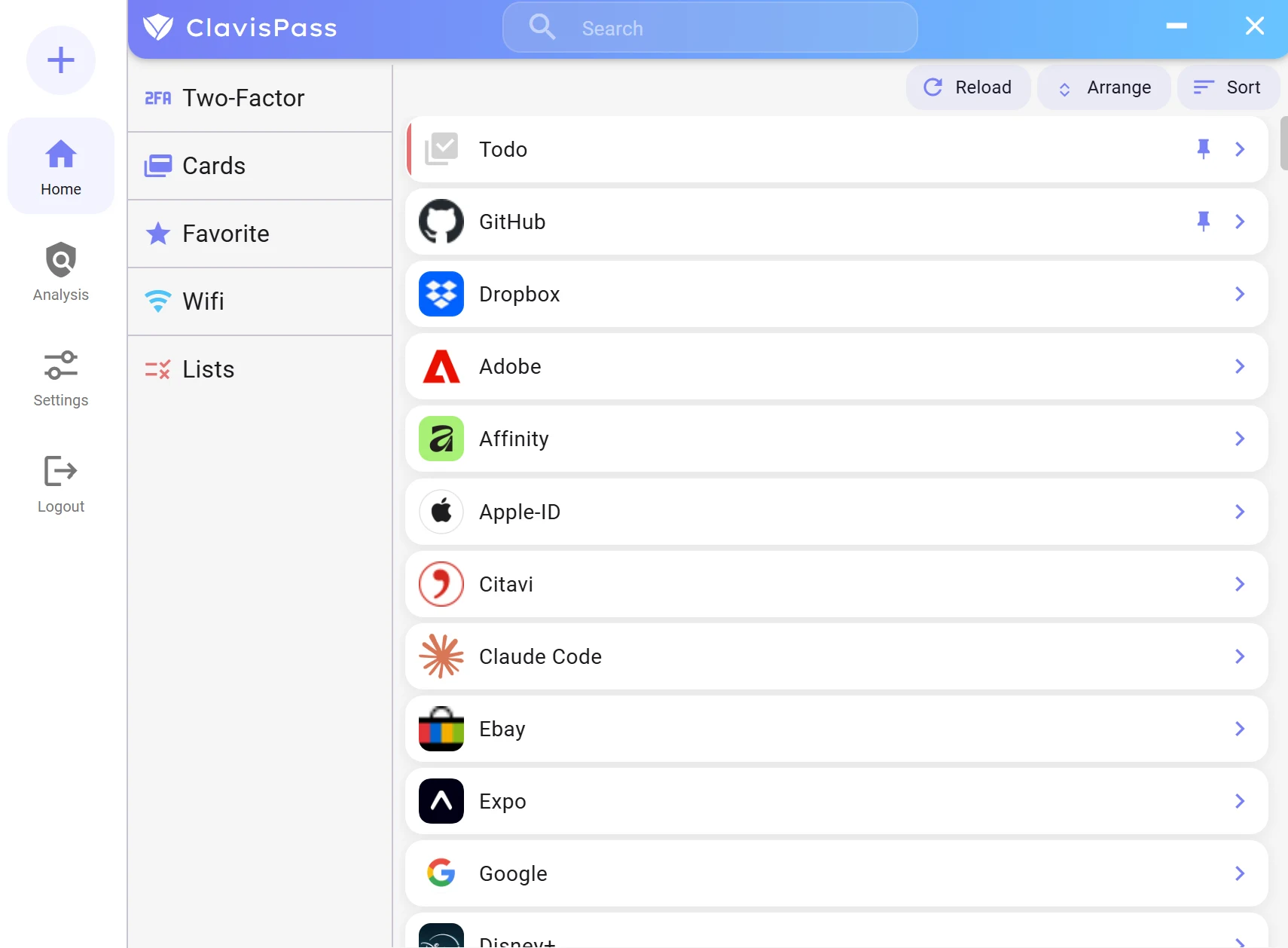
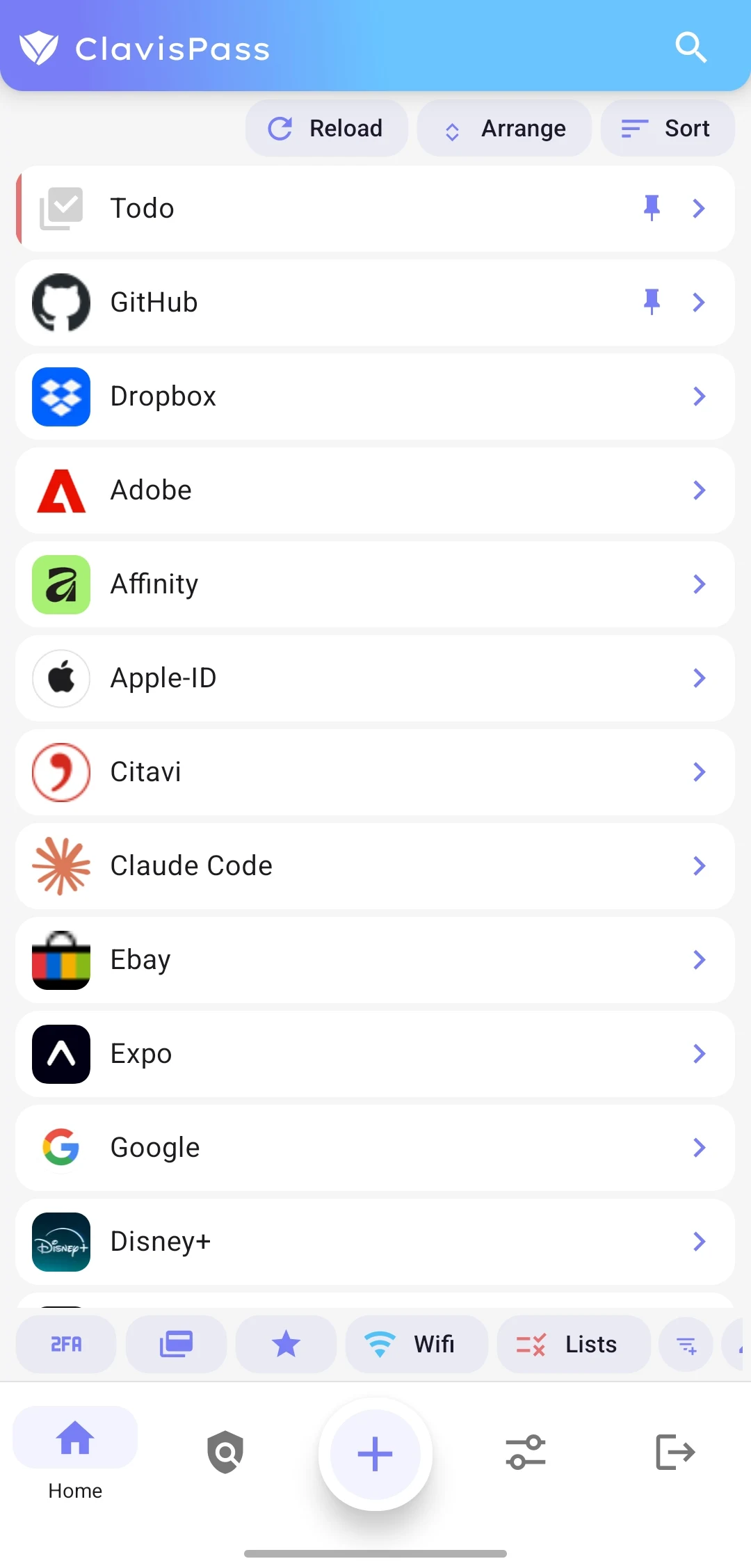
The mobile app brings the vault list, favorites, quick copy actions, and sync status into a calm view that can later be replaced with real screenshots.

Open the hosted demo inside an embedded app window and get a feel for the interface before installing the app.
Platforms
One vault for your devices, with store and extension paths in one place.
Windows
Desktop app
macOS & Linux
Desktop app
Android & iOS
Mobile apps planned
Firefox
Extension available
Chrome
Extension planned
Product
ClavisPass combines strong local encryption with organization, imports, and sync options that do not depend on one mandatory ClavisPass account.
Your vault is encrypted on your device before it is stored or synced.
Use Dropbox, Google Drive, local vault files, or ClavisPass Hub if you want to host vault files on your own server.
Store passwords, TOTP codes, recovery codes, cards, WiFi data, documents, attachments, and structured notes.
Sync
ClavisPass does not force your vault into one hosted account. Desktop and mobile workflows can use supported cloud providers, local vault files, or a self-hosted ClavisPass Hub.
Security
ClavisPass is designed so readable vault data stays on your device. Your master password is used locally and is not sent to a ClavisPass server.
Argon2id key derivation with a per-vault salt
XChaCha20-Poly1305 for authenticated vault encryption
Sync providers store encrypted vault data, not your readable passwords
Modules
Entries are built from modules so real-world access data can stay cleanly structured.
Imports from browser exports, Bitwarden, KeePass/KDBX, and backups reduce setup friction so you do not have to rebuild your vault by hand.
ClavisPass is available on GitHub so users can follow releases, inspect the code, and report issues.
View sourceClavisPass
Desktop builds, Android, and later store links will be collected here. Downloads should only come from official sources.
Go to download page